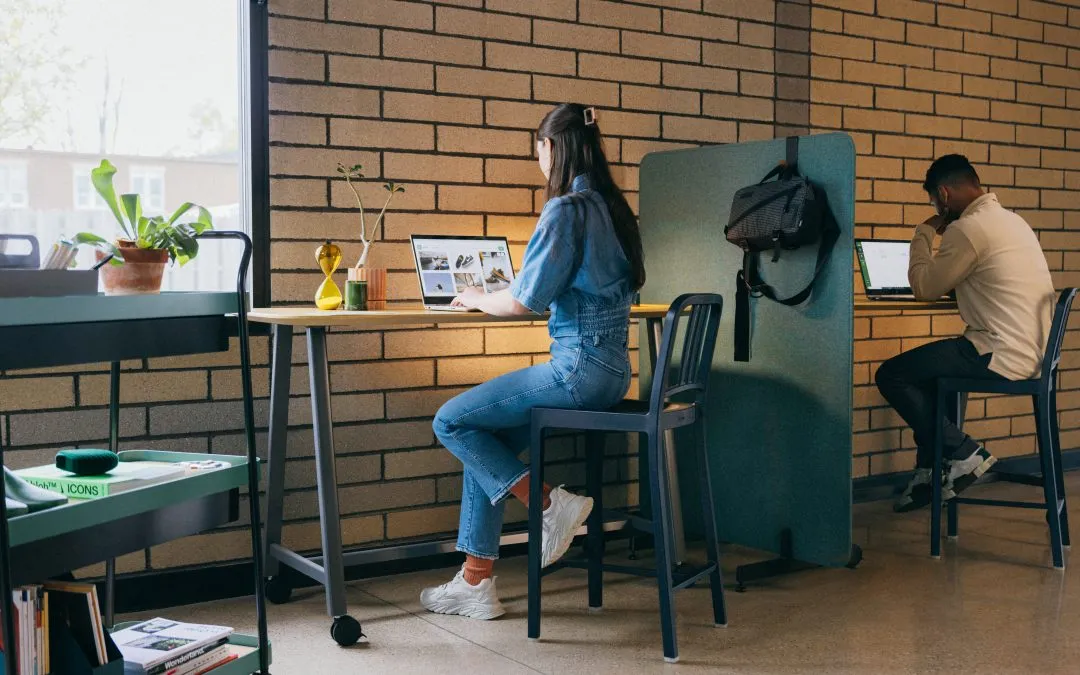
San Francisco is one of the most remote-work-friendly cities in the country. Whether you are coding from your kitchen table, taking video calls from a co-working space, or splitting the week between home and office, your workspace setup has a direct impact on how your spine feels at the end of the day.
At SF Custom Chiropractic, we treat tech professionals, designers, writers, and entrepreneurs who spend eight-plus hours at a screen. The patterns we see are remarkably consistent, and the fixes are often simpler than people expect.
Your Monitor Height Matters More Than Your Chair
The single most impactful change most remote workers can make is raising their screen to eye level. When a laptop sits flat on a desk, your head tilts forward roughly 45 degrees. That position increases the effective load on your cervical spine from about 10 pounds to nearly 50 pounds. Over weeks and months, the result is chronic neck stiffness, tension headaches, and rounded upper-back posture.
Use a laptop stand or a stack of books to bring the top of the screen to eye level. Pair it with an external keyboard and mouse so your shoulders can stay relaxed. If you use a standing desk, apply the same rule: the screen should be at eye height whether you are sitting or standing.
A professional ergonomic evaluation can identify the exact adjustments your particular setup needs, including monitor distance, keyboard angle, and chair height.
The 30-Minute Movement Rule
Static posture, even “perfect” posture, creates problems over time. Muscles fatigue, discs lose hydration, and blood flow decreases. The most effective countermeasure is simple: move every 30 minutes.
Set a timer. When it goes off, stand up, roll your shoulders, do a brief neck stretch, or walk to the kitchen for water. These micro-breaks take less than 60 seconds but interrupt the cumulative stress that leads to pain.
For workers who already have mild discomfort, adding two or three targeted mobility exercises throughout the day can make a significant difference. A chiropractic adjustment can restore the joint mobility that prolonged sitting restricts, making those movement breaks even more effective.
Build an Ergonomic Travel Kit
Hybrid workers face a unique challenge: their workspace changes multiple times per week. One day it is a home office with a proper monitor, the next it is a coffee shop with a wobbly table.
Build a portable ergonomic kit that travels with you. It does not have to be expensive. A lightweight laptop stand, a compact Bluetooth keyboard, and a travel mouse fit easily into a backpack. Some of our patients also carry a small lumbar roll that clips onto any chair.
The goal is consistency. Your spine should not have to adapt to a radically different posture every time you change locations.
Strengthening the Foundation
Ergonomic adjustments reduce the external stresses on your body, but building internal resilience matters just as much. A strong posterior chain, including your glutes, hamstrings, and upper-back muscles, helps you maintain good posture without conscious effort.
Simple exercises like band pull-aparts, glute bridges, and dead bugs can be done in a living room with minimal equipment. When combined with regular chiropractic care and a workspace that supports your body instead of working against it, these exercises create lasting protection against the aches and pains that come with desk work.
If you are unsure where to start, an ergonomic evaluation paired with a movement assessment gives you a personalized roadmap.
Take the Next Step
You do not have to accept stiffness and soreness as the cost of working from home. Small changes to your setup and habits can produce dramatic improvements in how you feel.
Call us at (415) 521-3073 or book your appointment online today.